

SOFTWARE UPDATES
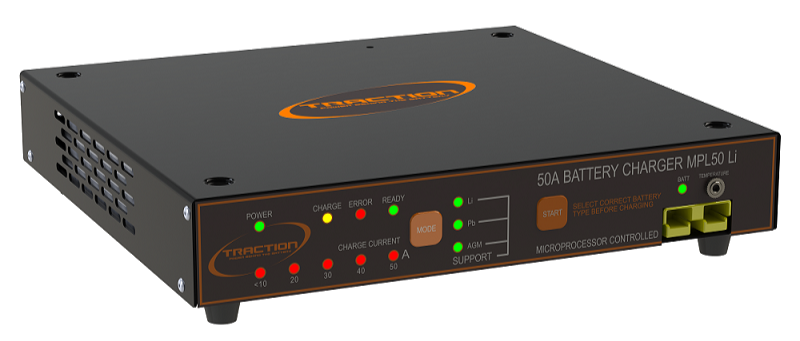
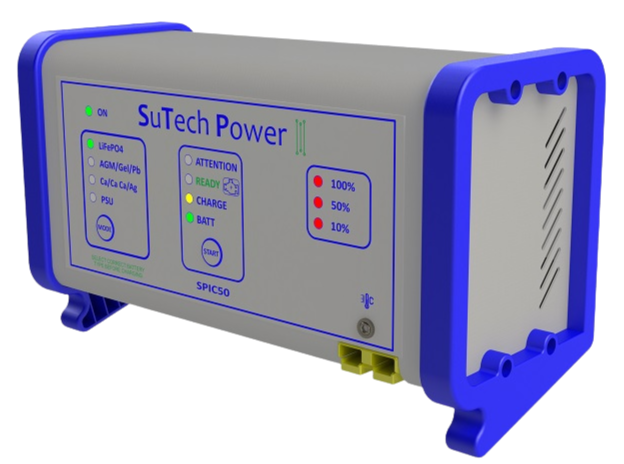
Your MPL-50i or SPIC-50 Battery Chargers may require a software update.
Here are the instructions needed to carry this out:
Connect the charger to the computer using the programming cable. If you need an extra cable it can be purchased here.
Download the software update zip file here.
if it does not automatically download, click where red circle is shown below.
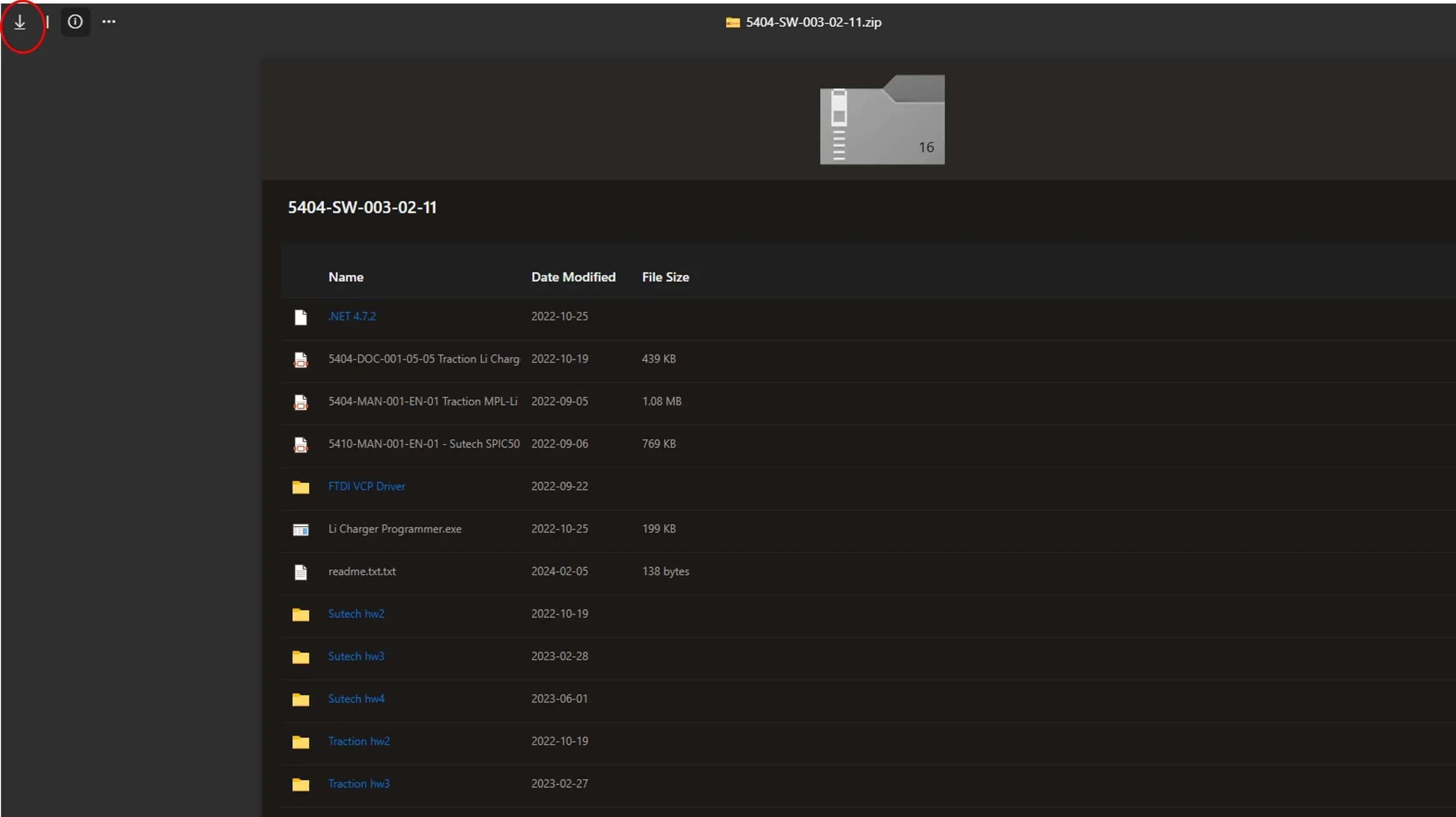
4. Unzip the file (keep it in one folder)
5. (Please note Some PC/computers may require drivers to upload the software to the battery charger. If this is the case, download the VCP drivers from this link and follow the on screen instructions)
6. Make sure the battery charger is off
7. Open the “Li Charger Programmer” application
8. In the drop down window, select the correct charger type
9. To find the charger type, look at the back of your charger or follow these instructions